01
WordPress Dashboard Concept
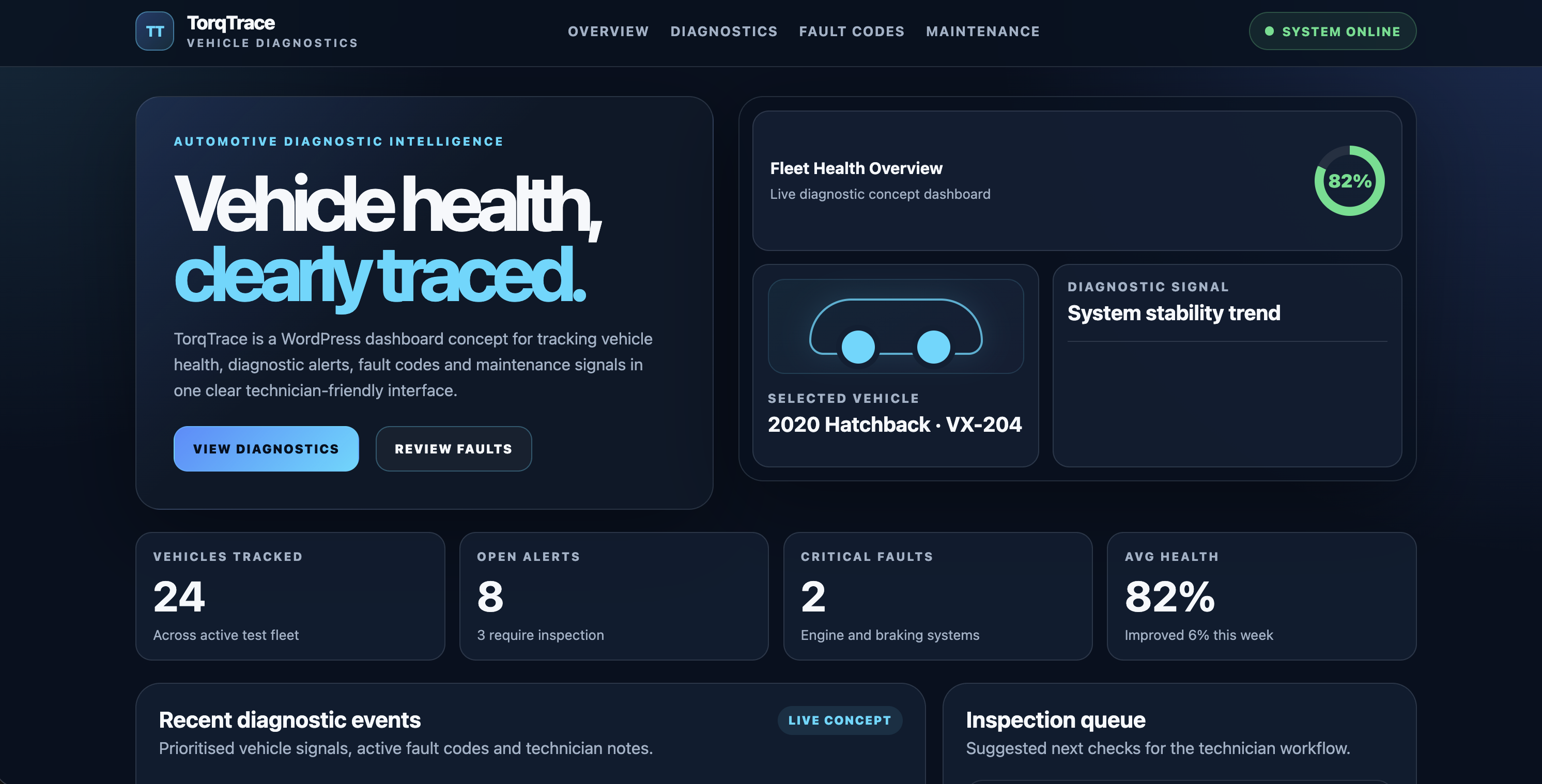
Rebuilt an earlier vehicle diagnostic frontend into a custom WordPress theme with a dashboard-style homepage.
Case Study · WordPress · Automotive Dashboard
A WordPress frontend dashboard concept for automotive diagnostics, featuring vehicle health metrics, fault-code monitoring, inspection queues and responsive interface design.
Overview
TorqTrace is a frontend dashboard concept for vehicle diagnostics. It presents technician-focused information such as fleet health, active alerts, recent fault codes, inspection priorities and maintenance signals.
The project originally existed as a smaller React and TypeScript frontend demo. I rebuilt it as a custom WordPress theme to practise theme structure, responsive CSS, dashboard composition and screenshot-ready visual polish.
Problem
The earlier diagnostic UI demonstrated useful frontend ideas, but it felt more like a technical exercise than a finished project. I wanted the remodel to feel more intentional, visually stronger and easier to present in screenshots.
TorqTrace therefore needed a cleaner product identity, a more polished dashboard layout and a responsive structure that worked properly across desktop, tablet and mobile views.
Solution
I kept the project deliberately scoped as a static WordPress frontend concept. Instead of adding backend logic, I focused on the dashboard layout, theme files, responsive styling and the automotive diagnostic product experience.
01
Rebuilt an earlier vehicle diagnostic frontend into a custom WordPress theme with a dashboard-style homepage.
02
Created a hero and dashboard preview area showing fleet health, selected vehicle status and diagnostic signal trends.
03
Added summary cards for tracked vehicles, open alerts, critical faults and average fleet health.
04
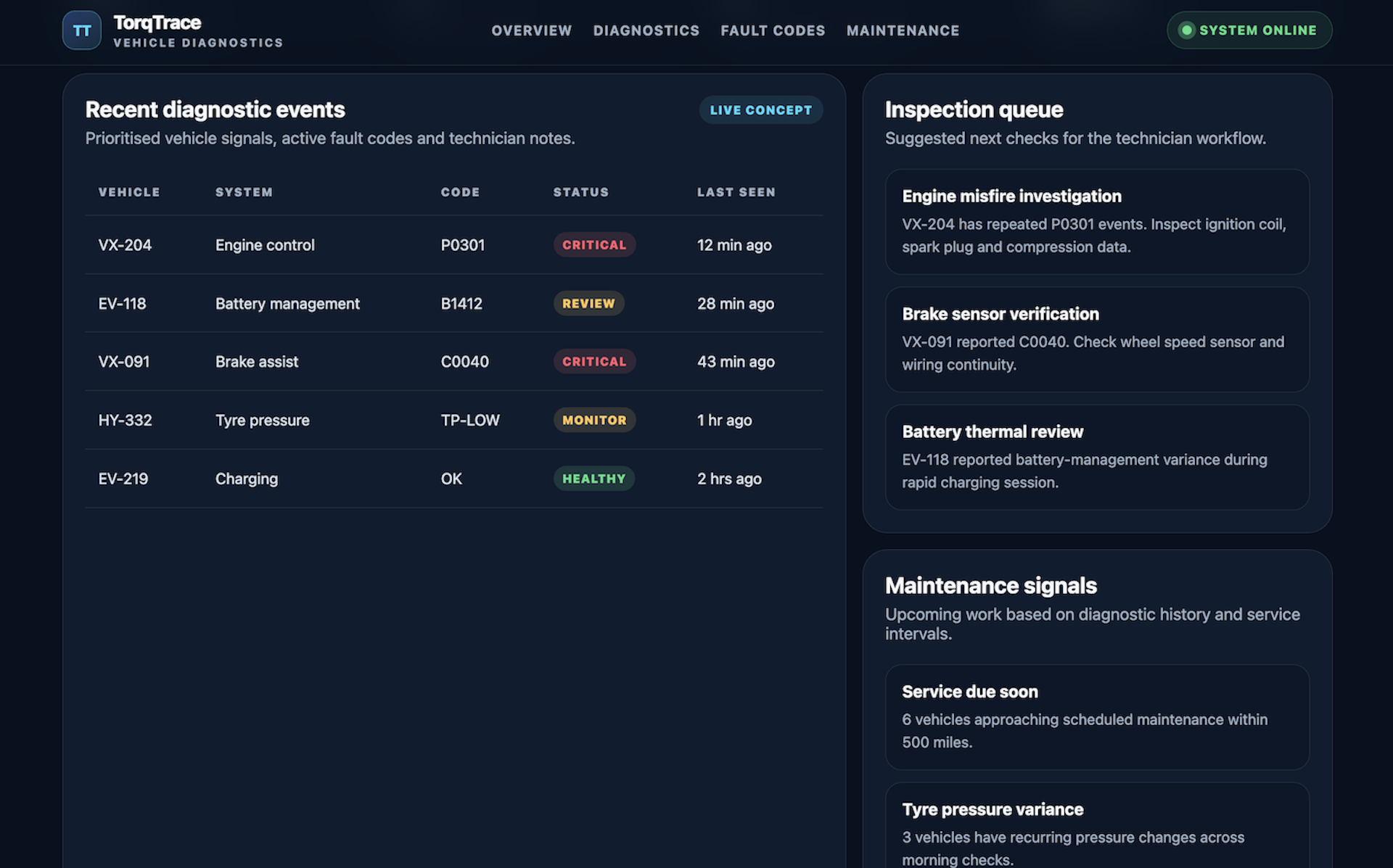
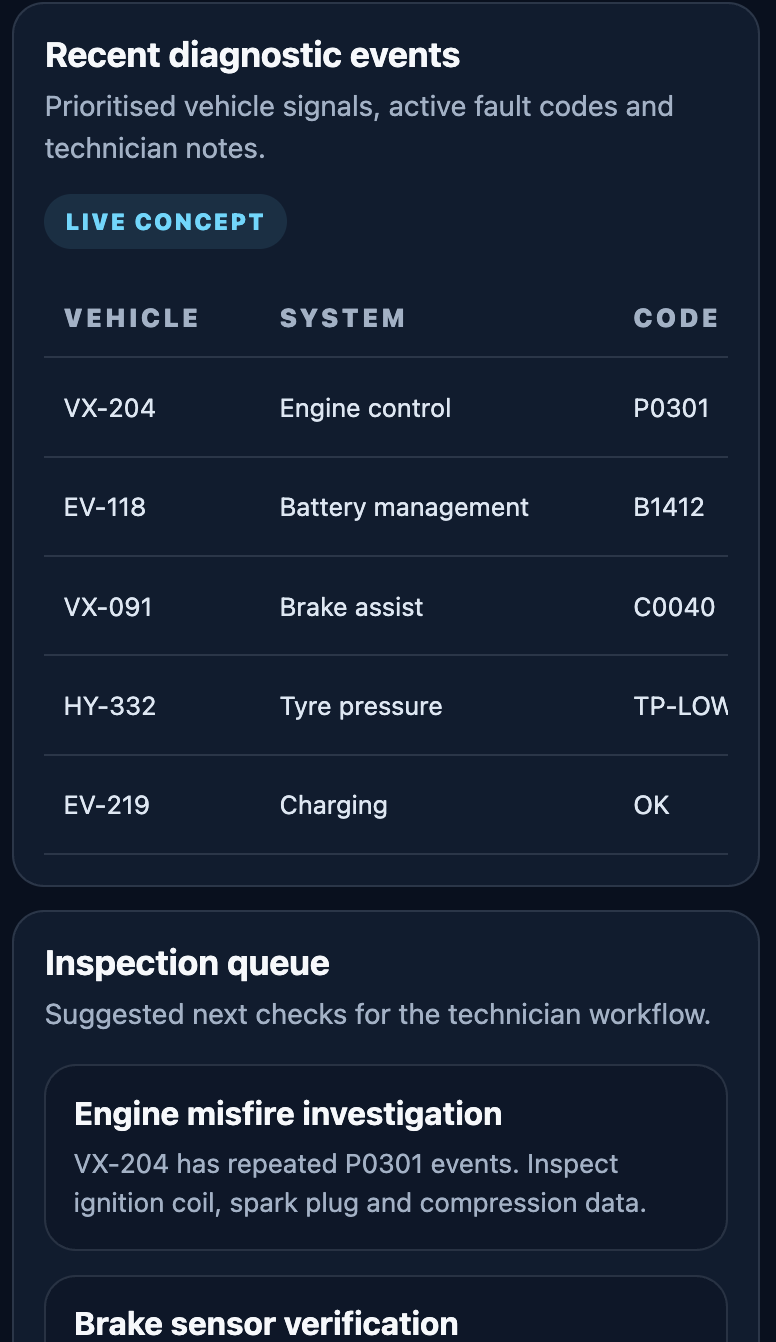
Designed a technician-facing table for recent diagnostic events, affected systems, fault codes, status labels and timestamps.
05
Added inspection-priority cards to suggest next technician checks based on diagnostic signals.
06
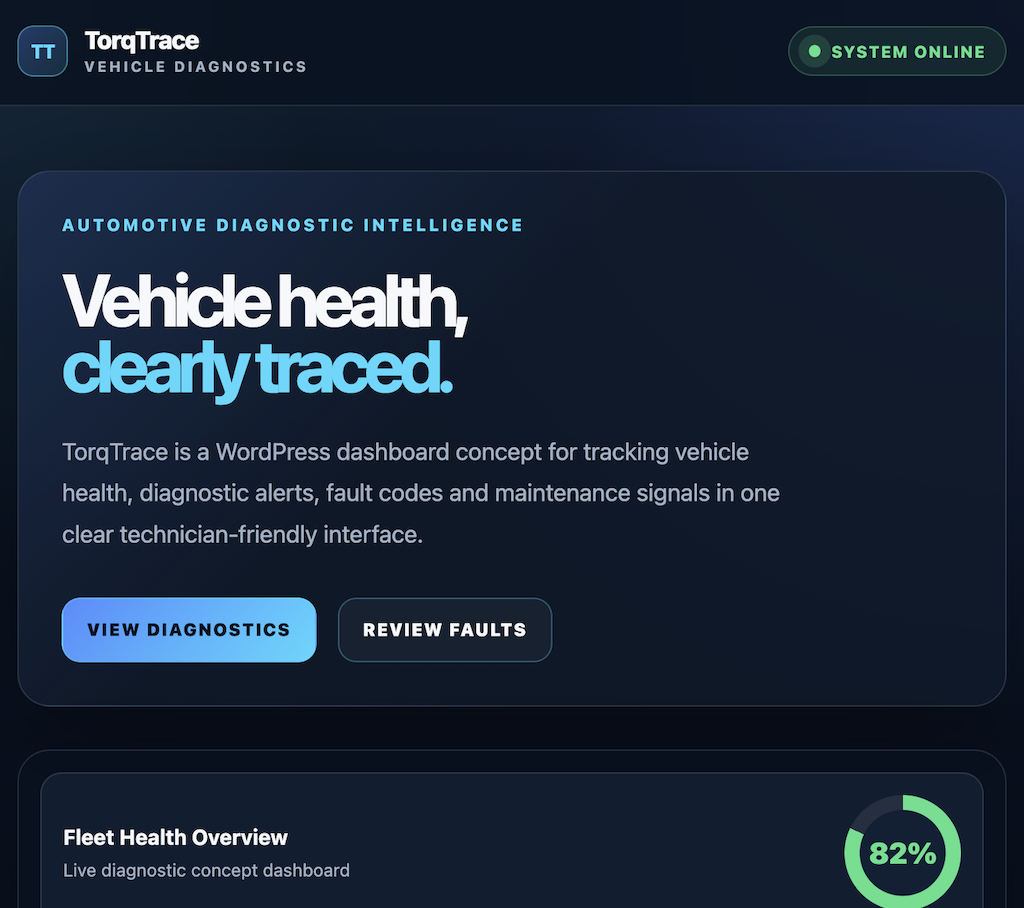
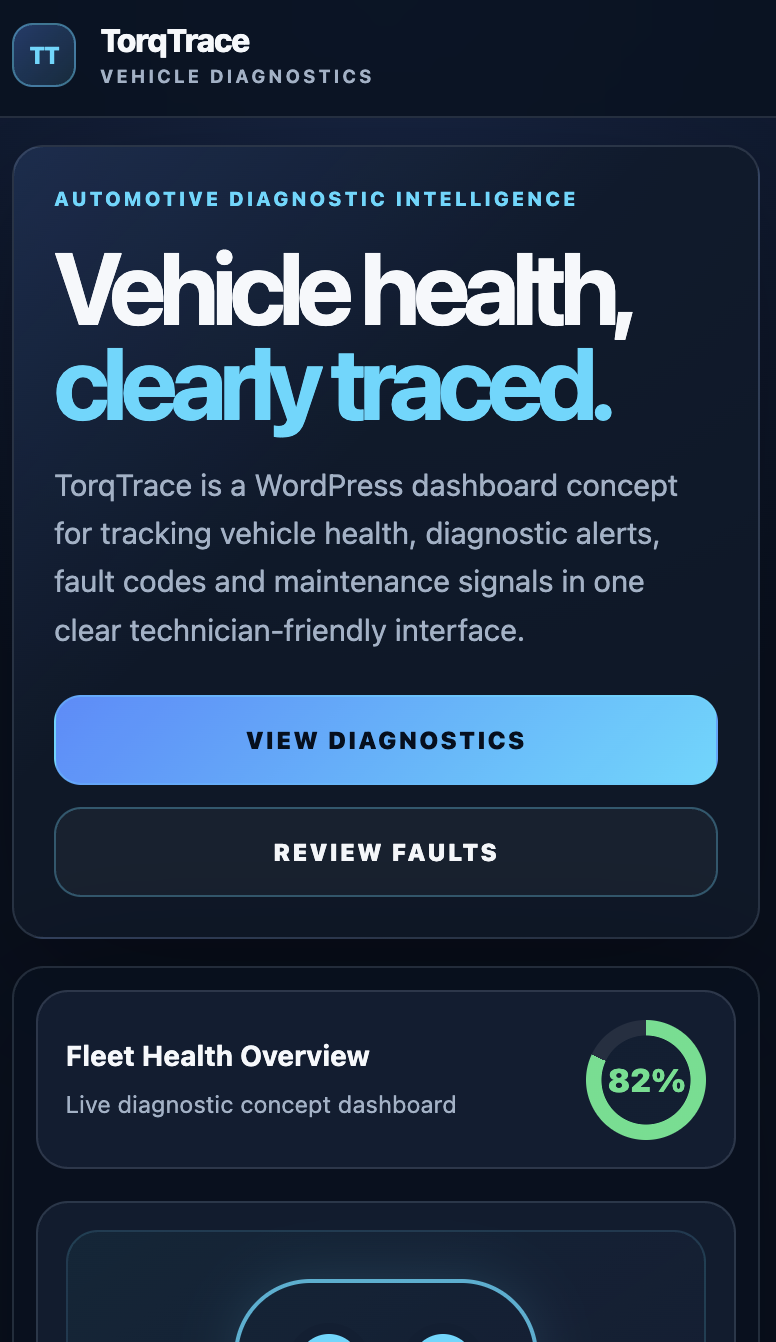
Refined the interface across mobile, tablet, laptop and desktop views so the project is screenshot-ready.
Product Experience
Architecture
TorqTrace is organised as a custom WordPress theme. The main dashboard is rendered through front-page.php, with shared structure handled by the header, footer and fallback template files.
Layer 01
Contains the project as a custom theme with separate header, footer, fallback and front-page templates.
Layer 02
Uses front-page.php as the main dashboard concept rather than relying on dynamic WordPress content or backend data.
Layer 03
Handles the full visual direction, dashboard cards, fault-code table, mobile layout and large-desktop polish.
Development Decisions
Challenge
The original vehicle diagnostic UI showed useful frontend ideas, but it felt more like a small technical exercise than a finished portfolio piece.
Decision
I remodelled the concept as a WordPress theme and focused on visual polish, dashboard structure and responsive screenshots.
Outcome
TorqTrace now works as a clearer portfolio project that connects automotive domain knowledge with WordPress and frontend UI design.
Challenge
It would have been easy to add backend logic, real data handling or more complex WordPress functionality before the visual concept was complete.
Decision
I kept v1.0.0 as a static frontend dashboard concept and avoided adding unnecessary backend or admin complexity.
Outcome
The project reached a complete v1.0.0 state quickly, with a polished interface, archived previous version and updated documentation.
Challenge
The mobile layout initially behaved too much like the desktop view and some lower sections overflowed.
Decision
I cleaned up the CSS, removed patchy overflow fixes and used proper mobile layout rules, width constraints and text wrapping.
Outcome
The final layout is usable across 390px mobile, 768px tablet, 1024px laptop and 1440px desktop views.
Learning
TorqTrace helped me practise WordPress theme development while keeping the project connected to automotive workflows and dashboard interface design.
How to structure a custom WordPress theme with header, footer, index and front-page templates.
How to use front-page.php for a focused custom homepage experience.
How to remodel an older frontend project into a stronger portfolio-ready concept.
How to keep scope controlled by separating a visual concept from backend functionality.
How to debug mobile overflow without relying on global overflow hiding.
How to design dashboard sections that work across desktop, tablet and mobile screenshots.
How automotive domain knowledge can support realistic UI and product decisions.
Development
Original concept
The project started as a React and TypeScript vehicle diagnostic UI using mock data and dashboard cards.
Remodel
I decided to rebuild the concept as a WordPress frontend dashboard to practise theme structure and create a stronger visual portfolio piece.
v1.0.0
Completed a custom WordPress theme with a diagnostic homepage, responsive dashboard sections, fault-code table, inspection queue and maintenance cards.
Next Steps
01
Add custom fields or custom post types so vehicle, alert and maintenance content can be managed through WordPress.
02
Connect the dashboard to a FastAPI service with stored diagnostic events and vehicle health records.
03
Add WebSocket-driven alert updates to simulate live technician monitoring.
04
Add automated checks and GitHub Actions workflows for future maintenance.